
Casambi Explained: Smart Lighting Control via Bluetooth – Function, Benefits & Applications
Quick summary: Casambi
Casambi is a Bluetooth-based lighting control system developed in Finland that has established itself worldwide as the leading standard for wireless lighting control in the design and commercial sectors. Casambi-enabled luminaires automatically connect to form a mesh network: each luminaire amplifies and forwards the signal, so the range grows with every additional luminaire added. Control is handled via the free Casambi app for iOS and Android — no Wi-Fi router, no gateway, no internet connection required. Dimming, creating scenes, setting up time programmes, integrating sensors: Casambi combines all the functions of a professional lighting control system in one system that can be set up in minutes.
What is Casambi?
Casambi is a wireless control protocol based on Bluetooth Low Energy (BLE). Unlike many smart home systems, Casambi requires neither a central hub nor a permanent internet connection. All of the system's intelligence resides in the individual luminaires and devices: each Casambi-enabled luminaire is simultaneously a receiver, transmitter and repeater — forming a stable, self-healing mesh together with all other luminaires in the network.
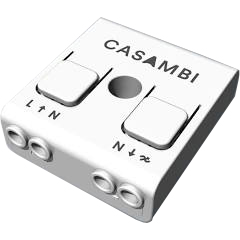
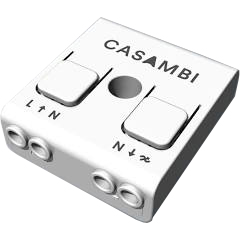
Casambi is not a proprietary system tied to a single luminaire manufacturer, but an open platform. Numerous premium manufacturers worldwide integrate Casambi technology directly into their luminaires — including Occhio, Marset, Flos and many more. Luminaires without integrated Casambi functionality can be retrofitted using external Casambi modules (CBU units).
How does the Casambi mesh network work?
In the Casambi mesh network, all devices communicate directly with each other via Bluetooth Low Energy. There is no central server and no single point of failure: if one luminaire drops out, the remaining luminaires automatically route the signal via alternative paths. This makes the network highly robust and self-healing.
The Casambi app turns a smartphone or tablet into a remote control — communicating directly via Bluetooth, without routing through the internet. Once the smartphone moves out of Bluetooth range, the network continues to operate autonomously: time programmes and scenes are executed by the devices themselves. For remote access from outside the network, an optional Casambi gateway can be used.
What can be controlled with the Casambi app?
- Dimming: Adjust the brightness of individual luminaires or entire groups continuously.
- Light scenes: Save multiple luminaires with individual brightness and colour temperature settings as a scene and recall them with a single tap.
- Animations: Programme dynamic light sequences and colour transitions.
- Time control: Automatically switch and dim luminaires based on time of day, day of the week, or sunrise and sunset.
- Tunable White / Color Tune: For luminaires with adjustable colour temperature, regulate the light colour from warm white to neutral white.
- Sensors and switches: Integrate presence sensors, light sensors and physical switches, and link them to scenes or groups.
- Groups and rooms: Combine luminaires into groups and control them together.
What do you need for Casambi?
All you need for a working Casambi system is Casambi-enabled luminaires and the free app. Casambi-enabled luminaires already have the control technology built in — a chip inside the luminaire head handles the communication. For luminaires without integrated Casambi functionality, external Casambi modules can be retrofitted; these are simply connected between the power supply and the light source.
No gateway, Wi-Fi router or hub is required. This sets Casambi apart from many other smart lighting systems and makes installation particularly straightforward — ideal for both retrofitting and new builds.
Where is Casambi used?
- Residential spaces: Individual lighting scenes for living rooms, dining rooms, bedrooms and open-plan layouts — intuitively controlled via app.
- Restaurants and hotels: Atmospheric lighting scenarios without complex electrical installation; switch scenes with a single tap.
- Offices and workspaces: Daylight-responsive control, occupancy detection and time programmes for energy-efficient lighting.
- Showrooms, museums and galleries: Precise lighting direction for changing exhibitions; quick adjustments without an electrician.
- Commercial and professional installations: Scalable to 250 devices per network; integration with DALI systems and building automation is possible.
Casambi Classic and Casambi Evolution: what's the difference?
Casambi devices run on two different firmware generations: Classic and Evolution. Both generations use the same Bluetooth mesh protocol and the same Casambi app — however, they cannot be combined within a single network. Which firmware a device uses is generally indicated in the manufacturer's product description.
Classic is the older firmware generation. Casambi only provides essential maintenance updates for it; no new features are added. A Classic network supports up to 127 devices.
Evolution is the current and future-proof firmware generation. It forms the basis for all new Casambi features and is continuously being developed. An Evolution network supports up to 250 devices — twice as many as Classic.
Here is an overview of the key differences Evolution offers over Classic:
- More devices per network: Evolution supports up to 250 devices (Classic: 127).
- Extended remote access information: Via a remote connection, Evolution allows device status (e.g. overheating, configuration errors, missing driver) and the priority level in the control hierarchy to be viewed — making commissioning and remote maintenance considerably easier.
- New products and protocols: Evolution supports DALI and DALI2 switches, the Casambi-Ready presence and lux sensor (battery-powered), and EnOcean wireless sensors.
- Extended colour control: Evolution supports XY and XY,TW colour control for DALI DT8 devices.
- More custom elements: Evolution allows up to 8 user-defined control elements per luminaire (Classic: fewer).
- Revised user roles: Evolution features three clearly defined access levels — Administrator (full rights including user management), Manager (lighting control without password access) and User (control only, no configuration).
- Performance and security: Evolution has a dedicated security section in the network settings. Here you can specify whether unpairing of devices is permitted and whether firmware updates may be applied automatically.
- Emergency mode for smart switching: Evolution supports an emergency lighting mode for smart switching functions.
- Future-proofing: Only Evolution receives new app features and protocol extensions. Classic remains functional but is no longer being developed.
For new installations, the Evolution generation is always recommended, as only it supports all current and future Casambi features. Existing Classic installations continue to operate reliably — they are simply excluded from new features and cannot be combined with Evolution devices in the same network.
Frequently asked questions (FAQ)
Do I need Wi-Fi for Casambi?
No. Casambi works exclusively with Bluetooth Low Energy and requires neither Wi-Fi nor an internet gateway for basic operation. For remote access from outside the Bluetooth range, an optional Casambi gateway can be connected via Wi-Fi or LAN.
How many luminaires can Casambi control?
A Casambi Evolution network supports up to 250 devices. A Classic network is limited to 127 devices. For larger installations, multiple networks can be combined via the Casambi app (Site function).
What is the difference between Casambi Classic and Casambi Evolution?
Both generations use the same Bluetooth mesh protocol, but cannot be combined in the same network. Evolution is the future-proof generation, with more devices per network (250 instead of 127), extended user roles, broader protocol support and ongoing feature additions. Classic receives maintenance updates only. New installations should always be based on Evolution devices.
Which luminaires are compatible with Casambi?
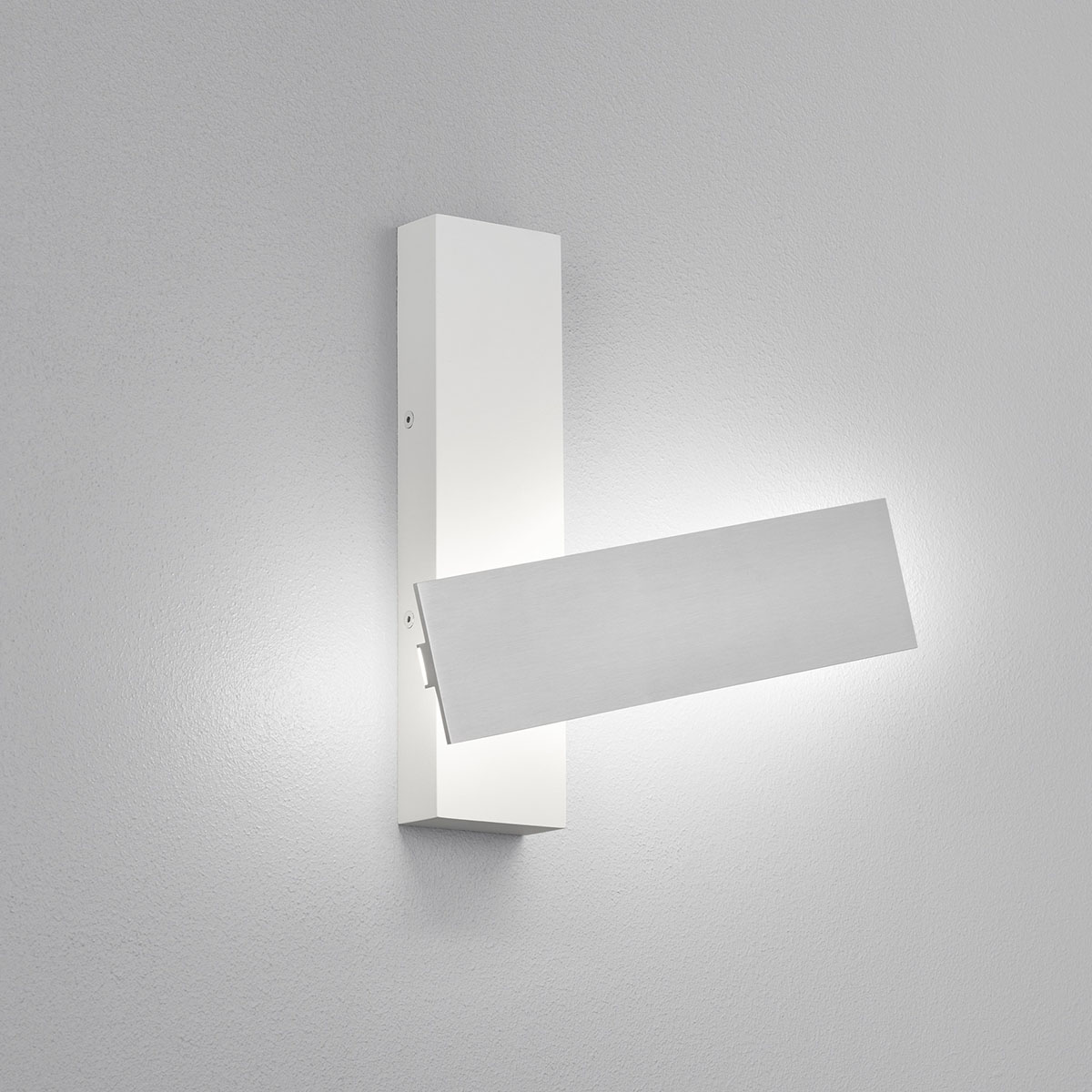
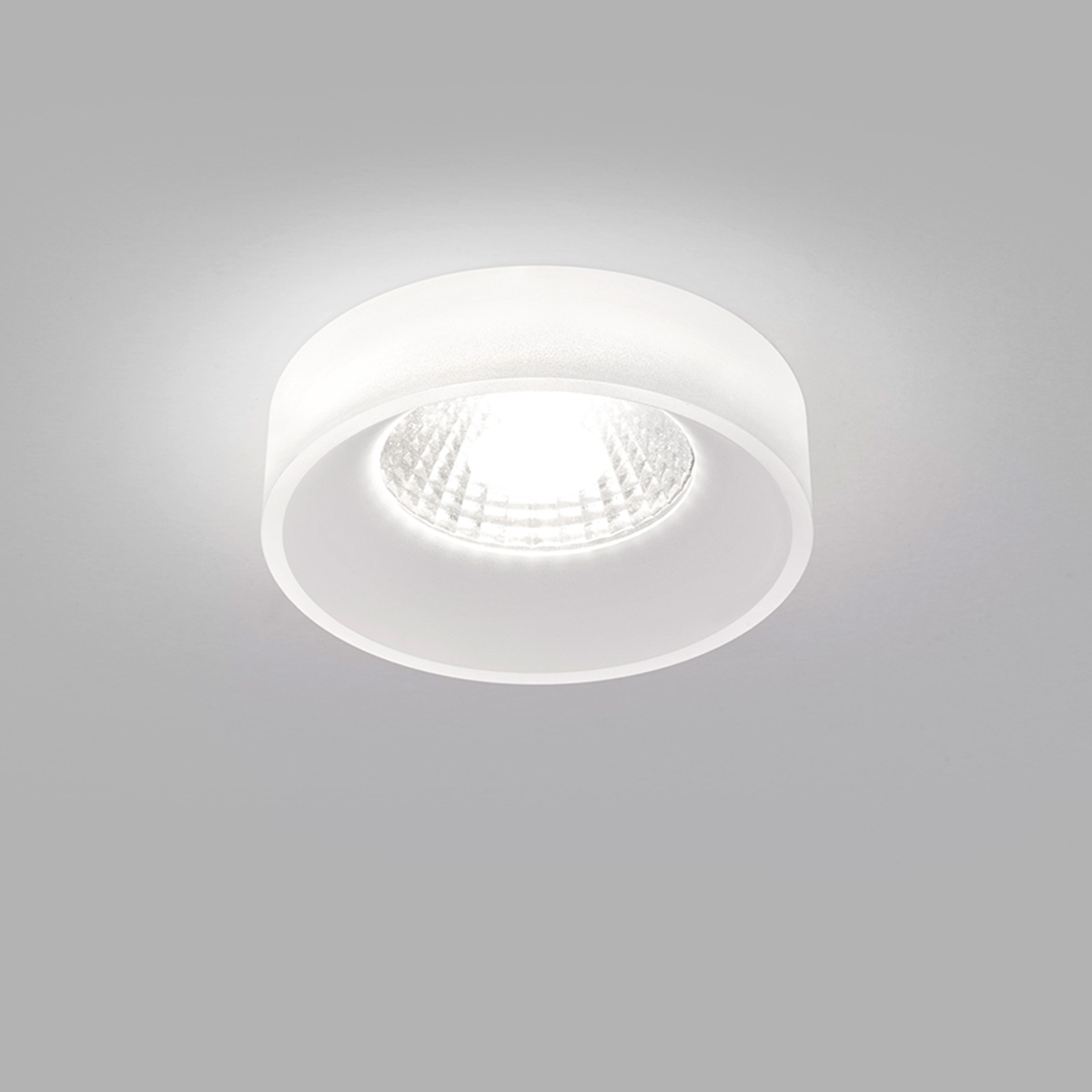
Many premium manufacturers offer luminaires with integrated Casambi control. Luminaires without integrated Casambi functionality can be retrofitted using external Casambi modules (CBU units). On Leuchtenland.com, Casambi-compatible luminaires are clearly identified.
Can I combine Casambi with other smart home systems?
Yes. Via a Casambi gateway, the network can be integrated into higher-level systems — such as Apple HomeKit, Amazon Alexa or KNX building control systems. Some luminaire manufacturers offer dedicated gateways for this purpose, such as the Occhio gateway and the Occhio PRO gateway for KNX.
Do I need a smartphone for every luminaire?
No. The Casambi app is used for setup and direct control via smartphone or tablet. After setup, time programmes and automatic functions run entirely autonomously on the devices — without the app, without a smartphone, without an internet connection.
In summary:
Casambi makes professional lighting control simple, flexible and future-proof — with no complex installation, no mandatory gateway and no dependency on a single manufacturer. The Bluetooth mesh protocol connects luminaires directly with each other; the app handles scenes, time programmes and sensor integration. With the Evolution firmware, Casambi offers a scalable platform for up to 250 devices per network, clearly defined user roles and a continuously expanding feature set. At Leuchtenland.com you will find a selection of luminaires with integrated Casambi control in both generations.